
Matches mobile: Teacher + Admin flows
Built for real kindergarten days
From check-in to daily reports and parent updates, aligned with how your team uses the app every day.
Free on iPhone and Android
Download MyKidTrack for teachers and parents — attendance, daily reports, photos, and family messaging in the native app your kindergarten already trusts.
Download MyKidTrack
Teachers and parents run the day from the native app: check-ins, daily reports, photos, and messages. Free on the App Store and Google Play.
Setting up a new kindergarten? Start your 14-day admin trial
Sign in with the account your kindergarten provides — the same app shown in the previews on this page.
iOS
App Store download
iPhone & iPad
Android
Google Play download
Phones & tablets
3 roles
Admin, teacher & parent
Choose your role after install
Install once, pick your role, and sign in with your kindergarten account.
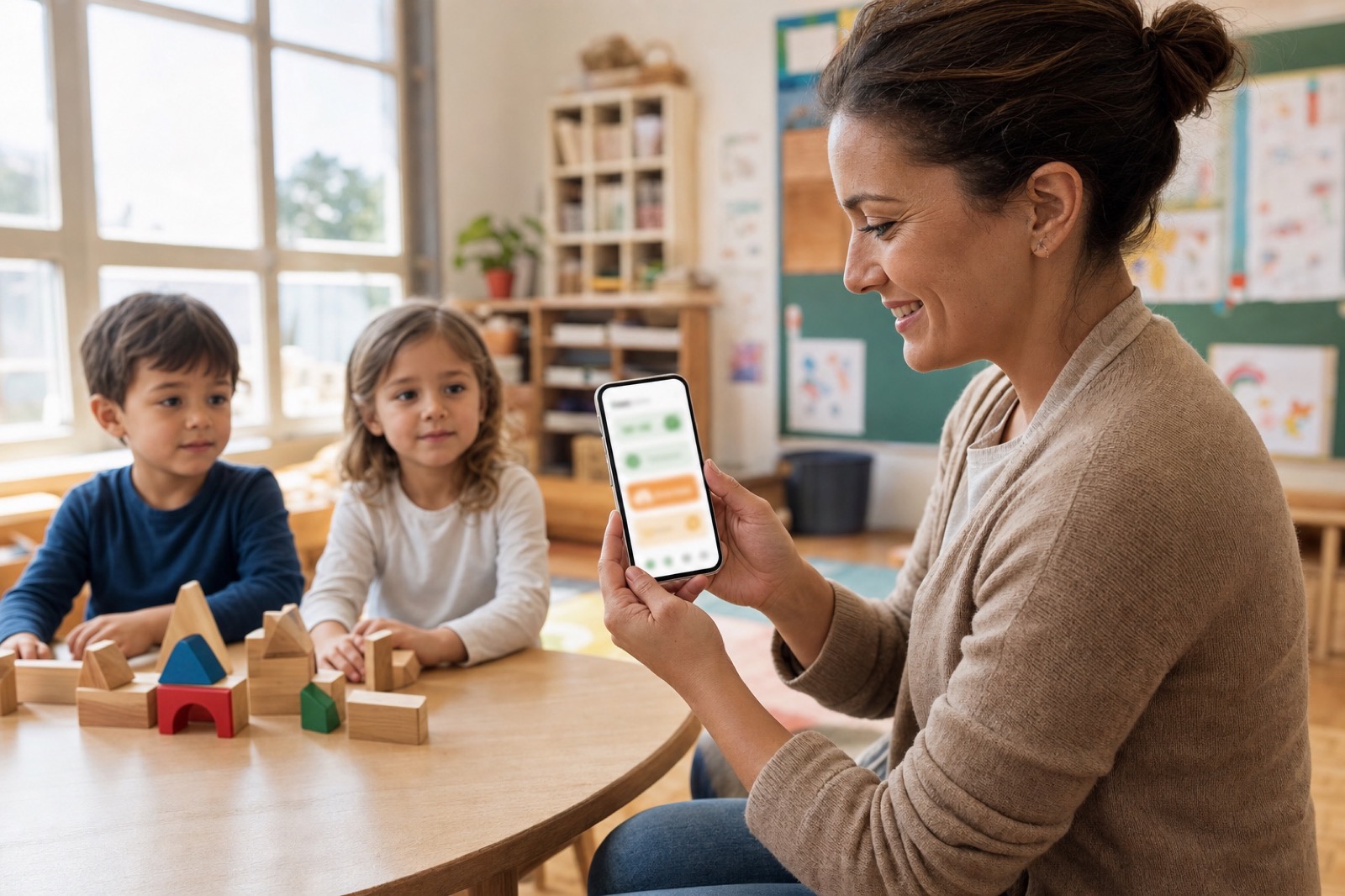
Real classroom moments
Capture attendance, daily learning, meals, and photos, then share them with families in the mobile app.
Real mobile app previews
Live UI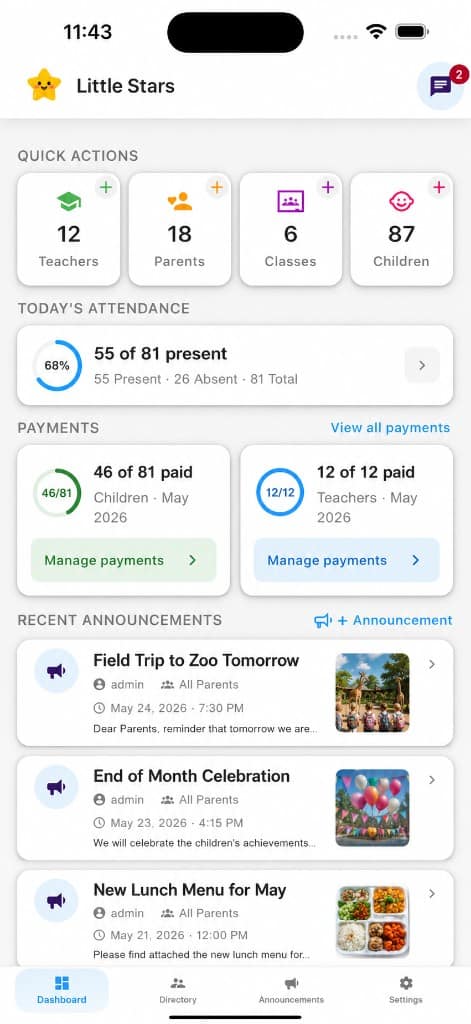
Outcomes & transparency
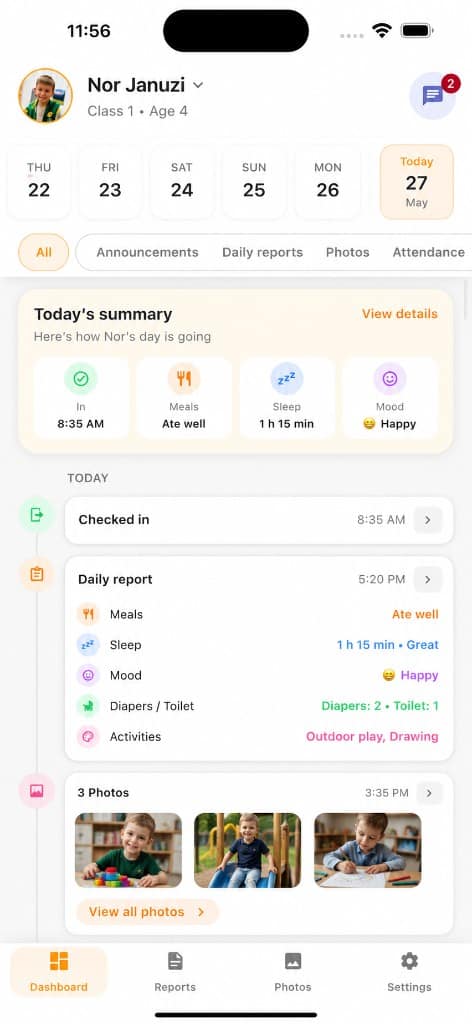
Real workflows from the MyKidTrack app—not sample analytics dashboards. Here is how a typical day reaches families in one place.
~30 min
Less relay time
Typical teacher time saved by skipping scattered WhatsApp, email, and paper updates (internal estimate)
1 channel
Family updates
Announcements, reports, photos, and attendance in MyKidTrack
Same day
Report cadence
Structured daily summaries parents expect before pickup
3 roles
Clear access
Admin, teacher, and parent—each sees what they need
Step-by-step flow showing how attendance, media, and daily reports reach parents the same day in MyKidTrack.
MyKidTrack mobile
Step-by-step flow showing how attendance, media, and daily reports reach parents the same day in MyKidTrack.
08:00
Check-in at the door
Teachers log attendance in My Class. Parents receive a notification when their child arrives.
12:30
Photos from activities
Moments from the day go to the family app—not lost in group chats or paper notes.
16:00
Daily report published
Meals, rest, mood, and notes in one structured summary parents can open anytime.
Same day
One parent timeline
Announcements, reports, photos, and attendance appear together on the parent Dashboard.
Comparison of fragmented channels versus one consolidated app for kindergarten updates. Percentages illustrate relative attention split before consolidation.
4+
Scattered channels
1
Trusted app
Fragmented (illustrative)
100%One trusted channel
MyKidTrack
Channel percentages illustrate common fragmentation patterns; workflow steps match the mobile app. Not performance guarantees.
Features
Attendance, daily reports, a dedicated photo gallery for families, announcements, chat, and payments—with Kindergarten Admin, Teacher, and Parent roles. The same product pillars as the MyKidTrack mobile app, summarized here for teams evaluating the platform.
Matches mobile: Teacher + Admin flows
From check-in to daily reports and parent updates, aligned with how your team uses the app every day.

Parent app: reports & photos
Daily reports, photos, and announcements in one place, like the parent experience in mobile.
 Safety
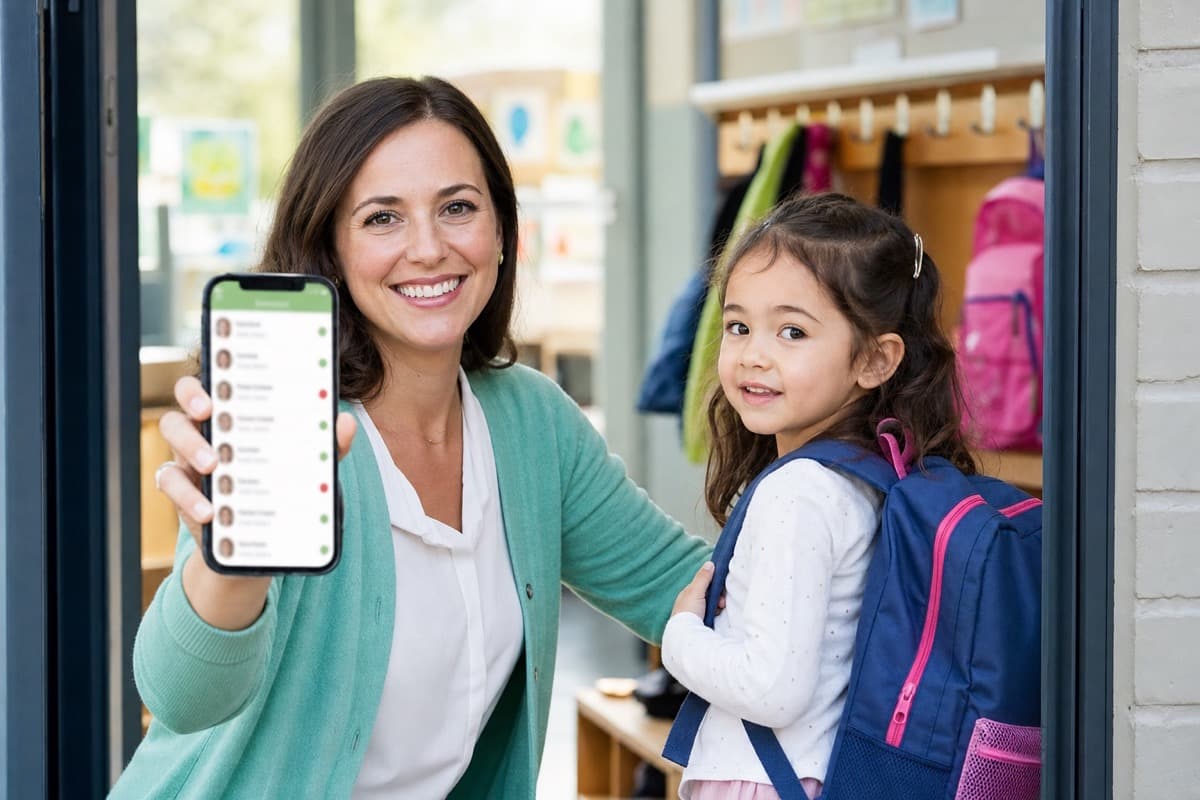
Teachers mark check-in and check-out in the mobile app; parents see those times (and who picked up) on the dashboard—same flows as Teacher attendance and Parent attendance cards in MyKidTrack.
And the small things teams notice
Mobile
Teachers and parents use the native apps for attendance, daily reports, photos, and chat. Kindergarten Admins can use mobile too, with web reserved mainly for setup and management.
How It Works
The same journey your team follows in the MyKidTrack mobile product: configure your kindergarten, run the day in the classroom, then keep families informed with confidence.
 01
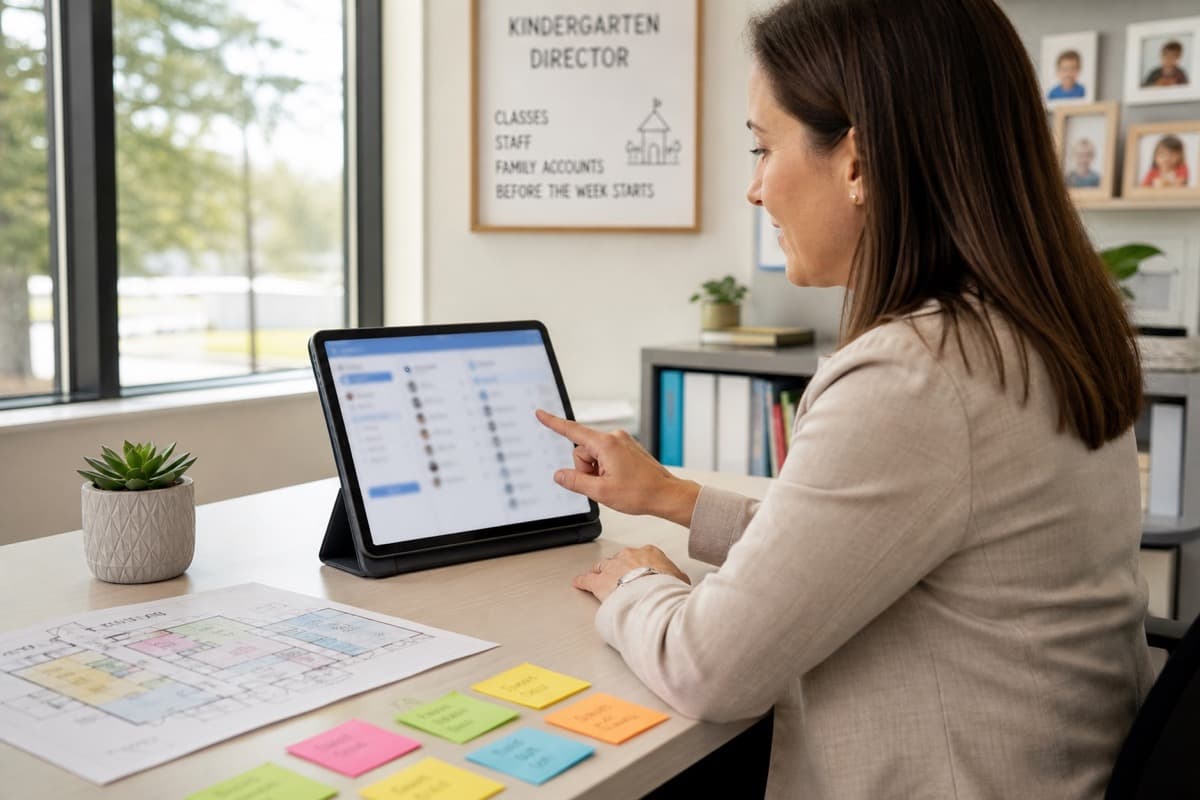
01Add classes, staff, and parent accounts with clear roles—the same first step as in the MyKidTrack mobile app (Admin Directory and forms) and the web admin portal for your organization.
 02
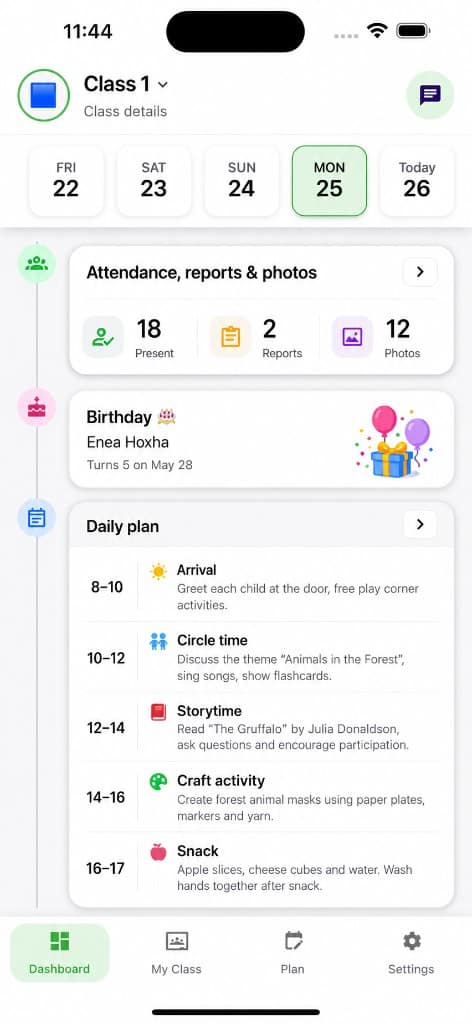
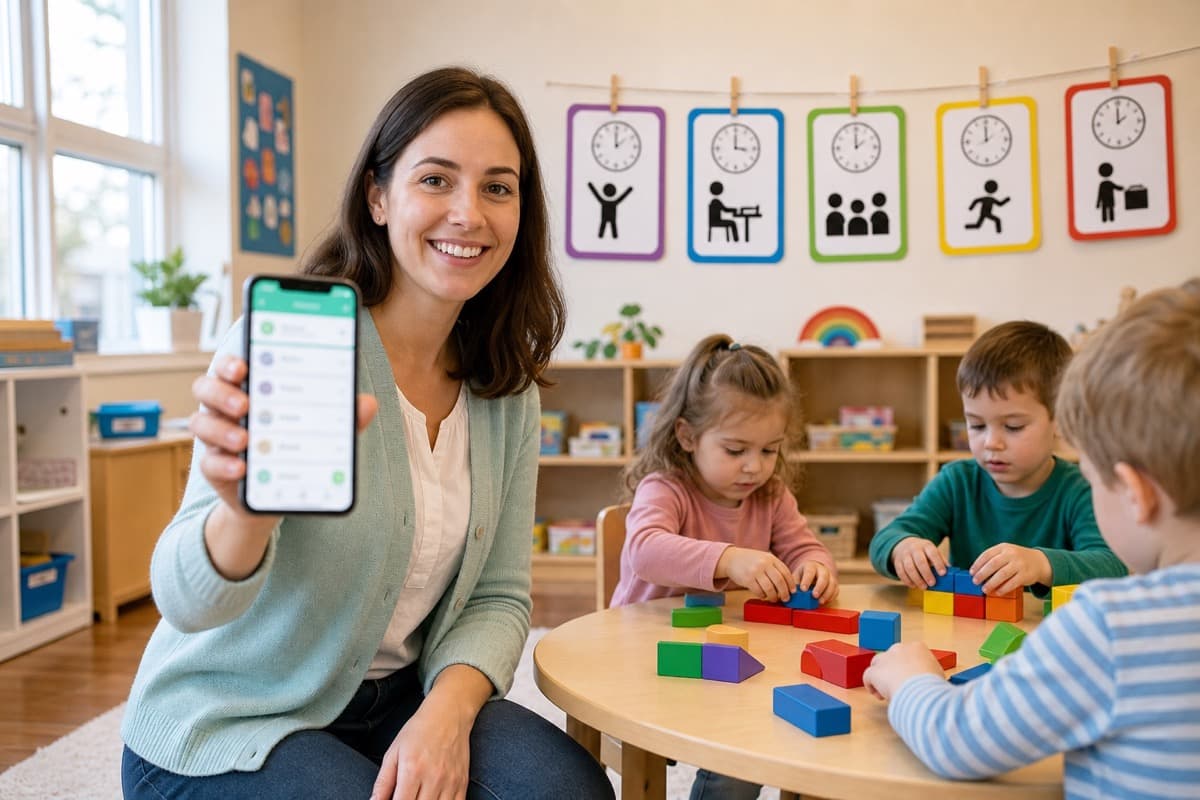
02In MyKidTrack mobile, teachers use Dashboard (date strip + day summary), My Class (roster and class actions), Plan (periods across the day), and the daily report editor—this step is that same rhythm in the real classroom.
 03
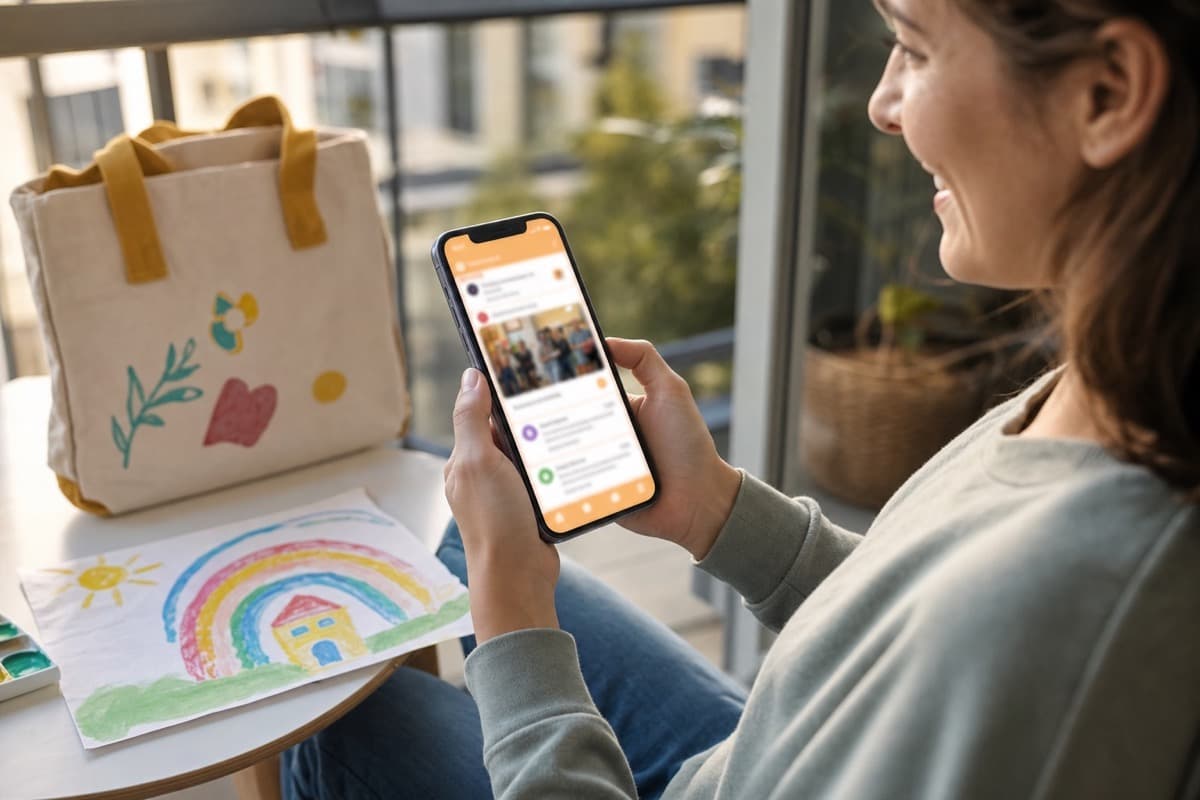
03Parents use MyKidTrack mobile bottom tabs: Dashboard (child picker, date strip, mixed timeline of announcements, reports, and media), Daily Reports, and Photos—plus Settings and messages when enabled—so everything from the kindergarten lands in one place.
App perspectives
Short AI-generated walkthroughs that show typical kindergarten admin and parent experiences in the app—helpful when you want a quick feel for daily workflows before you download.
These videos are AI-generated for illustration. They show representative app workflows, not filmed customer testimonials.
How an admin organizes the kindergarten—classes, staff, and family updates—from one trusted app.
How families follow attendance, daily reports, photos, and messages on their phone in one place.
Built for every role
Kindergarten profile & billing · Staff, classes & children · Announcements & payments
Track attendance, maintain plans, and publish daily reports quickly.
Follow your child updates, photos, and kindergarten communication with clarity.